Alt Text for Images: Practical Rules and Examples
IMG_3847.jpg is not alt text. See when images need descriptions, when decorative images should be empty, and how to write useful alt text.


A screen reader user clicks on a product image that links to your best-selling item. Their screen reader announces: “IMG_3847.jpg, link.”
Video: Alt Text for Images: Practical Rules and Examples
That filename tells them nothing. It does not describe the product. It does not function as a link label. Under WCAG Success Criterion 1.1.1 (Level A), every meaningful image requires a text alternative: the short written description embedded in your image’s HTML. When that image is also a link, the alt text doubles as the link label. Get it wrong and you have created two separate failures at once: a missing image description and an unlabelled link.
This article gives content editors and marketers the classification rules, a reference table, and real before-and-after examples to fix alt text correctly, without touching a line of code.
What Happens When Alt Text Goes Wrong
The filename scenario above is not unusual. It is the default output of every CMS when someone uploads an image without filling in the alt field. The file gets saved, the image looks fine in the browser, and nobody notices that a screen reader user will hear a camera roll reference instead of a product description.
The problem compounds on pages built around images: product listings, team pages, chart-heavy case studies, image-linked CTAs. Each of those image types has a different alt text rule. Applying the wrong rule creates a different kind of failure. The fix starts with knowing which type of image you are dealing with.
The Five Image Types and the Alt Text Rule for Each
This table is the reference. Each row states the rule and shows a weak/strong example pair that stands alone without the surrounding text.
| Image Type | Rule | Weak Alt Text | Strong Alt Text |
|---|---|---|---|
| Informative | Describe what the image conveys in context. Focus on meaning, not appearance. | photo.jpg |
Freshly baked butter croissant on a wooden board |
| Decorative | Use an empty alt attribute (alt=""). Do not write a description. Screen readers skip the image entirely. |
alt="decorative swirl" |
alt="" |
| Functional | Describe the action the image performs, not what it looks like. | shopping-cart-icon.png |
Go to checkout |
| Images of text | Repeat the visible text verbatim. Every word the image shows must appear in the alt attribute. | promo banner |
20% Off All Orders This Weekend |
| Complex (charts, graphs, infographics) | Write a short alt text identifying the type and main finding. Put the full data in body text or a linked table. | sales chart |
Bar chart: monthly website traffic Jan-Dec 2025. Peak in October at 45,000 sessions. |
WCAG 1.1.1 is Level A, the baseline requirement. Not AA. Not optional. Every meaningful image on every public website must meet it.
Before and After: Real Business Image Examples
Rules are easier to apply when you have seen them work on real content. These four scenarios cover the images most commonly published by content editors and marketers.
Product photo (e-commerce listing)
– Weak: product-img-456.jpg
– Strong: Black stainless steel water bottle with bamboo lid, 32 oz
– Why it works: the strong version gives a screen reader user the same product information a sighted user reads from the image: material, colour, and size.
Team photo (about page)
– Weak: team
– Strong: Four-person customer support team seated at their desks in the Chicago office
– Why it works: on an about page, the relevant information is who these people are and where they work, not that the photo exists.
Chart (case study or annual report)
– Weak: results graph
– Strong: Bar chart showing monthly revenue Jan-Jun 2025. Revenue grew from $42,000 in January to $78,000 in June.
– Why it works: a screen reader user cannot read the chart axes. The alt text must carry the data point the chart is there to communicate.
Logo used as a link to the homepage
– Weak: logo.png
– Strong: Acme Landscaping, return to homepage
– Why it works: a linked logo is a functional image. Its job is navigation, not decoration. The alt text describes where the link goes, not what the logo looks like.
If you are unsure whether your published images currently have alt text, a free website accessibility checker will surface every image missing an alt attribute across your site.
When to Leave Alt Text Empty: The Decorative Image Decision
The most common daily uncertainty for content publishers: does this image need alt text or not?
Three questions settle it:
- Would removing this image cause a visitor to miss information? If yes, write alt text.
- Does the surrounding text already describe what this image shows? If yes, use
alt=""to avoid repetition. - Is this image purely visual: a background texture, a decorative divider, a stock photo used only for visual tone? If yes, use
alt="".
Most hero images on business websites qualify as decorative under question three. Stock photography chosen to set a mood conveys no information a visitor would miss.
Now, the distinction that trips up almost every content publisher. A missing alt attribute and an empty alt attribute are not the same thing:
alt=""tells the screen reader: this image is intentionally decorative, skip it. The screen reader moves on silently.- A missing alt attribute tells the screen reader nothing, so it announces the filename. That is
IMG_3847.jpg, graphiclanding in a user’s ears.
Never delete the alt attribute. Set it to empty when the image is decorative.
Five Alt Text Mistakes That Slip Through Every Content Review
These failures are already present on most sites. The Accessibility Audit Checklist: What to Review Before You Buy a Tool covers the broader landscape, but alt text errors are among the easiest to introduce and the hardest to catch in a visual review.
1. Starting with “image of” or “picture of” Screen readers already announce “graphic” before reading the alt text. Opening with “image of a croissant” produces “graphic, image of a croissant”: redundant and slightly disorienting. Start with the subject: “Butter croissant on a wooden board.”
2. Using the filename
banner-v3-final.png is a file management label, not a description. It appears when an image is uploaded without filling in the alt field. An image audit is the only reliable way to find all instances.
3. Keyword stuffing
red shoes buy red shoes women's red shoes sale is not alt text. It is spam to Google and noise to a screen reader user. Alt text must describe what the image shows. A relevant keyword is acceptable only when it is also genuinely descriptive.
4. Applying the same text as a visible caption
If a caption already describes the image, set alt="". Otherwise the screen reader reads the same information twice, back to back.
5. Empty alt text on a linked image This is the mistake every competing article misses. When an image is wrapped in a link and the alt text is empty, the screen reader has no text to use as a link label. It announces an unlabelled link: a separate failure under WCAG 2.4.4 (Link Purpose, Level A). Keyboard users hit this directly: they tab to a link that announces nothing and have no way to know where it goes. Test for it with Keyboard Accessibility: Test Your Site in 5 Minutes. The fix is simple: the alt text on a linked image must describe the link destination, not (or not only) the image itself.
Run a free website accessibility checker to confirm which of these patterns are active on your site.
This article is for general informational purposes and is not legal advice.
Frequently Asked Questions
How long should alt text be?
For standard informative images, keep alt text under 125 characters. Most screen readers truncate at that point, and the constraint forces useful brevity. For complex images like charts and infographics, the alt attribute carries a short summary (image type and main finding) while the full data belongs in the surrounding body text or a linked table.
Does every image on my website need alt text?
No. Decorative images: background textures, visual dividers, stock photography that adds no information, should use alt="" rather than a written description. The test: if you removed the image, would a visitor miss any information? If not, the image is decorative.
Is missing alt text a legal violation?
Missing alt text on a meaningful image fails WCAG 1.1.1, Level A. According to ADA.gov’s guidance on web accessibility, ADA Title III applies to private businesses with no government-mandated compliance deadline. Enforcement is entirely lawsuit-driven, and courts consistently apply WCAG 2.1 AA as the de facto standard. Missing alt text and missing form labels (covered in Accessible Forms: Labels, Errors, Required Fields, and Instructions) are two of the most frequently cited issues in accessibility demand letters. If your business sells into the EU, the European Accessibility Act came into force on 28 June 2025 and requires WCAG 2.1 AA compliance for companies with 10+ employees or over 2 million euros in annual turnover.
Does alt text help with SEO?
It is primarily an accessibility requirement. The SEO benefit is real but secondary: Google uses alt text alongside its computer vision system to understand image content, which can improve rankings in Google Image Search and reinforce page relevance for standard search. Write alt text that accurately describes the image. Any SEO benefit follows from that, not the other way around.
Most CMS platforms, including WordPress and Shopify, surface the alt text field directly on the image upload or edit panel. No code required.
Related guides

How to Make a Cookie Consent Banner Accessible
One broken cookie banner can trigger enforcement from two regulators: the EAA for the WCAG failure and a DPA for invalid GDPR consent.
Read: How to Make a Cookie Consent Banner Accessible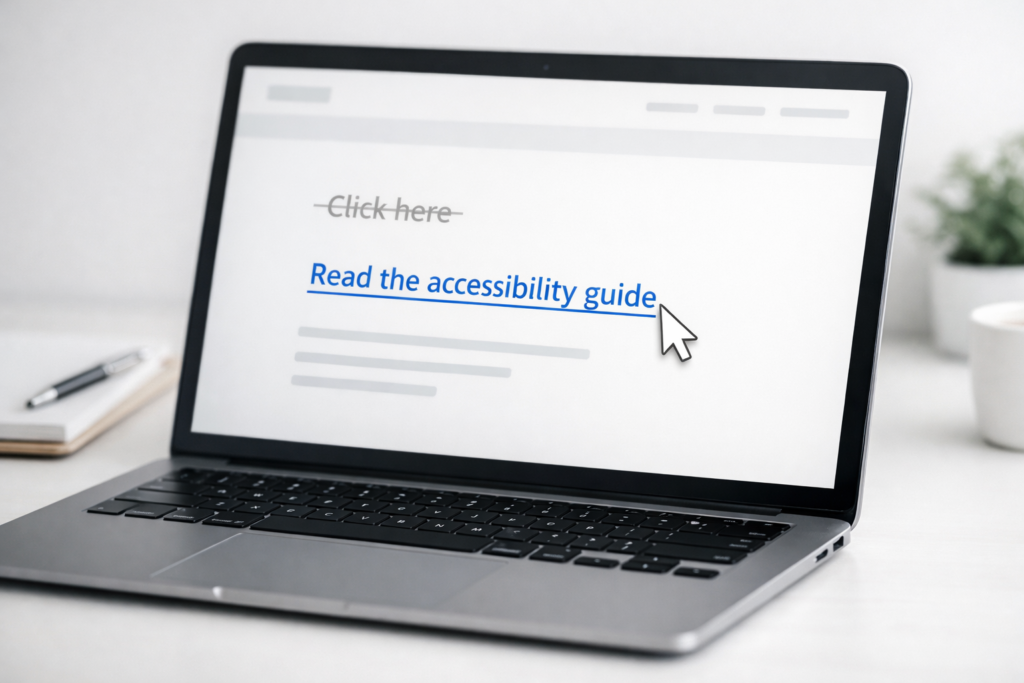
Meaningful Link Text: Stop Writing Click Here
Click here gives screen reader users no context. Replace vague links with text that explains the destination, action, and WCAG purpose.
Read: Meaningful Link Text: Stop Writing Click Here
Required Fields and Form Instructions
A red CSS asterisk can disappear from the accessibility tree. Fix required-field labels, instructions, and errors before forms reject users.
Read: Required Fields and Form Instructions